

Hours Booked, Cost Never Landed
The team booked the hours. The project shows a different cost. Between those two facts sits a chain of rate tables, approvals and postings where margin quietly disappears.
Timesheet to project cost leakage is the gap between hours recorded against a project and the labour cost that actually posts to it. It arises from four places: hours never approved, hours coded to the wrong project or task, rate tables that are stale or missing for a person, and postings that fail or land in a suspense account. In services businesses the cumulative effect shows up as project margin that cannot be explained from the delivery side.
- Recorded hours and posted cost come from different systems with different approval gates, and no single control forces them to agree.
- Four leakage points cover almost all of it: unapproved time, miscoded time, missing or stale cost rates, and failed postings.
- Missing cost rates are the quietest failure. A new joiner with no rate loaded books hours that cost the project nothing at all.
- The reconciliation must run at task level, not project level, because offsetting miscoding nets to zero at the project total.
- ChatFin ties the timesheet extract to payroll cost and to the project ledger, isolates each leakage type, and prepares the correcting entries.
In a services business, labour is the cost. If it does not land on the right project at the right rate, every margin number downstream is decoration.
The chain is longer than it looks. Someone records hours against a project and task. A manager approves them, or does not. A rate table converts hours to cost, assuming a rate exists for that person on that date. A posting routine moves the result into the project ledger and the general ledger, assuming the project is open and the account mapping is valid. Any link can fail quietly, and most failures produce no error anyone sees.
This page walks the four leakage points, explains why project level reconciliation misses most of them, and covers how to run the tie at task level often enough to matter.
The four places cost goes missing
Leakage is rarely one big failure. It is four small ones that each account for a fraction of a percent and together explain a margin gap nobody can attribute.
Unapproved time
Hours sit in submitted status waiting for a manager who is on holiday. They never post in the period, so the project looks profitable and the cost lands later, in a period that gets blamed for it.
Miscoded hours
Time booked to the wrong project or task. Nets to nothing at company level, which is why it survives, while both projects carry wrong margins.
Missing or stale cost rates
A joiner with no rate loaded, or a rate table not updated after a salary review. Hours convert to cost at zero or at last year's figure.
Failed or suspended postings
The project was closed, the account mapping was invalid, or the period was locked. The cost lands in suspense and stays there.
The third is the one worth checking first in any new review, because it produces a clean and often surprising number: total hours booked by people with no cost rate on file for the period.
Why project level reconciliation misses it
Most teams reconcile total project cost to total labour cost and conclude the numbers are fine. They usually are, and that is the problem. Miscoding moves cost between projects without changing the total, so a company level tie is guaranteed to pass while individual project margins are wrong in both directions.
The tie has to run at the level at which decisions are made. That means person by person, task by task, period by period: hours recorded, rate applied, cost calculated, cost posted. Four columns and a difference.
Anyone can build that in a spreadsheet for one project. Doing it across a full portfolio each month is where it stops happening.

The cost rate problem nobody owns
Cost rates sit in an awkward place. Human resources owns compensation, finance owns the loading assumptions, and the project system owns the table that actually gets applied. In practice nobody owns keeping the third one current.
| New joiners | Hours booked before a rate is loaded convert to zero cost, making early project weeks look artificially profitable |
| Salary reviews | Rates not refreshed after a review understate cost for everyone affected, across every project they touch |
| Loading assumptions | Employer taxes, benefits and overhead loading applied inconsistently between the rate table and the accrual |
| Contractors | Often carry a rate from a purchase order rather than the rate table, so the two sources disagree by design |
| Effective dating | A rate change applied from the wrong date restates cost across periods that were already reported |
A monthly check that every person who booked hours had a valid rate for the whole period costs almost nothing to run and catches the first two rows before they compound.
Where the systems draw their boundaries
Professional services automation platforms handle this domain well within their own boundary. Kantata, Certinia and Deltek manage time capture, approval, resource plans and project financials, and Replicon and similar tools focus on time capture accuracy at the entry point.
The boundary is the payroll system and the general ledger. A services platform knows the rate it applied. It does not know what the person actually costs according to payroll, and it does not always know whether its posting landed successfully in the ERP or fell into suspense. Where the ERP is the project ledger of record and the services platform feeds it, the gap between them is unmonitored by both.
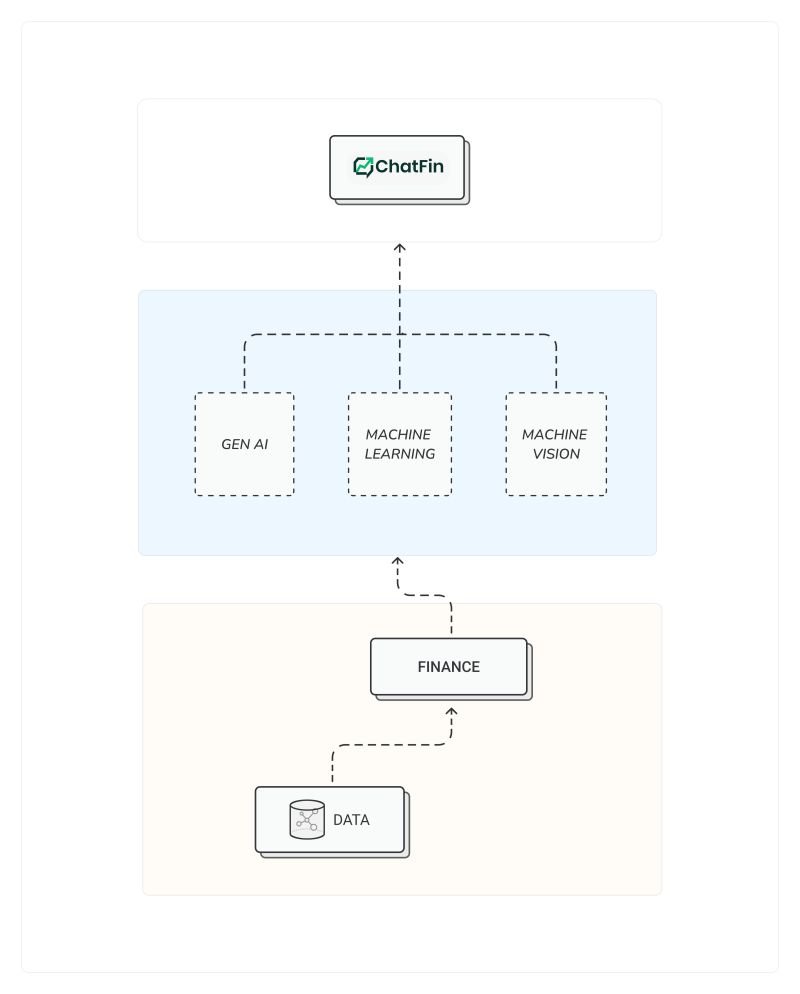
Reconciling across that boundary is exactly the cross system work ChatFin performs, and it is the same approach used for autonomous reconciliation in other subledgers.
Running it while it can still be fixed
Timing decides whether this reconciliation produces a correction or a write off. Miscoded hours found in week one can be recoded and rebilled. The same hours found at year end are a margin adjustment and an awkward conversation with a client.
| Weekly | Unapproved time by manager, and hours booked by anyone without a valid cost rate |
| Monthly | Full task level tie of hours, rate, calculated cost and posted cost, with reason codes |
| At project close | Final tie before the project is closed, since reopening a closed project is far more expensive |
| Quarterly | Rate table review against payroll actuals, including loading assumptions |
| Continuously | Suspense account monitoring, because failed postings are silent and accumulate |
The weekly items are the highest return. Both are simple counts, both are actionable immediately, and both prevent the monthly tie from being dominated by problems that were avoidable.
How ChatFin ties time to posted cost
ChatFin reads the timesheet extract from your services or time platform, the cost rate table, and the posted project ledger from the ERP, and performs the tie at person and task level rather than at project total.
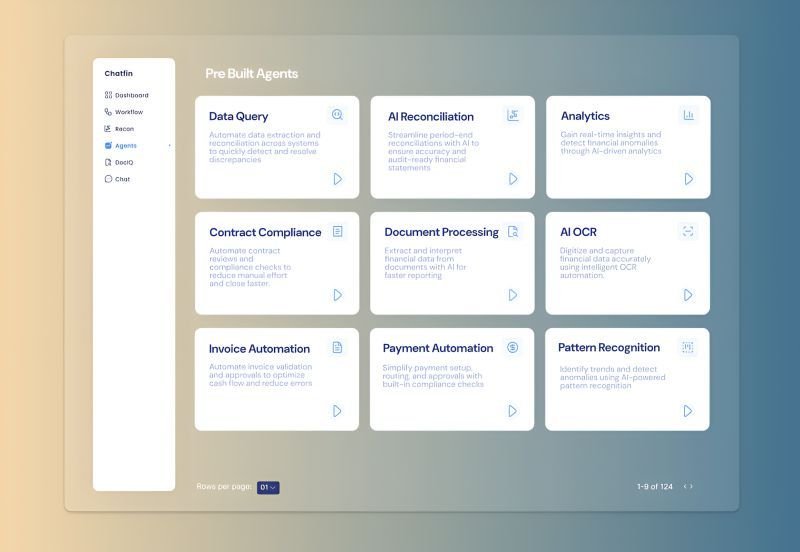
The autonomous reconciliation agent produces the four column comparison with a reason code against every difference, separating unapproved time from miscoding, from rate problems, from failed postings. The pattern recognition agent flags people booking hours without a valid rate and projects whose posted cost has diverged from recorded time over consecutive periods. The conversational finance AI layer lets a project controller ask why a specific project's cost differs without waiting for an analyst.
| Document processing | Reads timesheet extracts, rate tables and payroll cost reports in their native formats |
| Reconciliation agent | Ties hours, rate, calculated cost and posted cost at person and task level |
| Pattern recognition | Flags missing rates, ageing unapproved time and projects with persistent divergence |
| Data query agent | Answers project level questions in plain English against the reconciled data |
| Governed write back | Prepares recoding entries, accruals for unapproved time and suspense clearances for approval |
Recoding entries move cost between projects and therefore between margins, so they are never posted automatically. ChatFin prepares each one with the supporting detail and routes it through the approval chain in your ERP, following the same governed pattern described in adding AI without replacing your ERP.

Finding the leakage in one portfolio
Start with the simplest test, because it produces a number quickly and it is almost always non zero.
Count hours with no valid rate
List everyone who booked hours in the last quarter and check each had a cost rate effective for the whole period. This alone often explains a visible share of the gap.
Age the unapproved queue
Report submitted but unapproved hours by manager and by age. Anything older than two weeks is a process failure rather than a backlog.
Run the four column tie on one month
Person and task level, with reason codes. Do not net anything.
Clear the suspense account
Identify every project cost posting sitting in suspense and resolve each to a project or to an expense account.
Run those four and you will usually be able to attribute most of the unexplained margin movement, which changes the conversation from suspicion about delivery performance to a list of fixable process failures.
Miscoded hours net to zero at company level and to something significant on two separate projects. That is why the total always looks fine.
ChatFin
Frequently Asked Questions
Why does project cost not match recorded hours?
Four causes account for most of it. Hours submitted but never approved do not post in the period. Hours coded to the wrong project or task move cost between projects without changing the total. People with a missing or stale cost rate convert hours to zero or to an outdated cost. And postings that fail because a project was closed or an account mapping was invalid land in suspense rather than on the project.
What is project cost leakage?
It is labour cost that was genuinely incurred and recorded but did not land correctly on the project it belongs to. It is not fraud or waste, it is a chain of system handoffs where each link can fail quietly. The effect appears as project margins that cannot be explained from the delivery side, which usually leads to the wrong conclusion about delivery performance.
How often should timesheets be reconciled to the project ledger?
Weekly for the two fast checks, which are unapproved time by age and hours booked by anyone without a valid cost rate. Monthly for the full tie at person and task level, and again before any project is closed. Timing determines whether the finding is a correction or a write off, since miscoded hours found early can be recoded and rebilled while the same hours found at year end cannot.
Can ChatFin work with our professional services platform?
Yes. ChatFin reads timesheet extracts, rate tables and payroll cost reports in their native formats, so it works alongside platforms such as Kantata, Certinia, Deltek or a time system feeding your ERP, without requiring a direct integration with any of them. It ties the data at person and task level and prepares recoding entries and accruals for approval rather than posting them itself.
See ChatFin tie recorded hours to posted project cost.
ChatFin reads your timesheet extract, rate table and project ledger, and produces the person and task level tie with a reason code against every difference.
Recoding entries, accruals for unapproved time and suspense clearances are prepared as drafts and posted only after a person approves them.
Book a DemoBring one month of timesheets and project ledger data.
ChatFin will run the task level tie and show how much of the difference comes from unapproved time, miscoding, rate problems and failed postings.