
Dynamics 365 Wave 1 2026: Every New AI Feature for Finance Teams
What the 2026 release wave 1 plans actually shipped for Dynamics 365 finance teams, with dates: the ERP MCP server updates, Copilot Cowork, the Account Reconciliation Agent, and Business Central's agents.
Summary
- Copilot in Dynamics 365 Finance summarises collections, customers and workflow history and answers questions about your data. Microsoft's Finance agents in Excel and Outlook add reconciliation and collections help on the Microsoft 365 side.
- The one agent in Microsoft's 2026 wave 1 Finance plan is the Account Reconciliation Agent, still a production ready preview. PayFlow Agent is a partner product from HSO, announced at Build 2025.
- The Dynamics 365 ERP MCP server, generally available since 27 January 2026, lets Claude, Copilot Studio and other MCP clients read and write through data entities, forms and X++ actions under the signed in user's security roles.
- Dynamics 365 AI still leaves gaps in variance commentary, cross system analysis and close entries, which is where a finance agent layer such as ChatFin works, with a named person approving each entry.
- A practical rollout of AI for Microsoft Dynamics 365 Finance runs in four phases: Copilot first, Microsoft's agents where they fit, the ERP MCP server with read only roles, then an outside agent layer.
Microsoft's 2026 release wave 1 ran from April to September 2026. For finance teams on Dynamics 365 Finance, most of what shipped sits in the cross app plan around the Dynamics 365 ERP MCP server, which reached general availability on 27 January 2026, rather than in Finance itself. Business Central had its own wave 1 items.
Microsoft has since archived the wave 1 plans and stopped publishing release plans from September 2026, pointing to its AI at Work roadmap instead. The dates below come from the archived plan pages, read on 19 October 2026, and each is linked.
Several items reported elsewhere as wave 1 releases, among them a Microsoft Payflow Agent and HSO industry agents, are not in Microsoft's plans. The section on agents explains what they are.
What AI Features Does Dynamics 365 Finance Have After Wave 1 2026?
Microsoft uses two names here. Copilot in Dynamics 365 Finance runs inside the Finance client and needs version 10.0.38 or later. Finance agents in Microsoft 365 Copilot, which Microsoft's training still files under Copilot for Finance, work in Excel, Outlook and Microsoft Copilot. Since 27 May 2026 there is also a Finance Agent in Microsoft Copilot chat, a Frontier preview that reads ERP payables and receivables through MCP.
What each piece does for a finance team, as Microsoft documents it:
- Collections coordinator summary: a summary of a customer's collections position inside the Finance client, for the person about to call them
- Customer and workflow history summaries: what has happened on a customer record or a workflow, in plain language
- Chat with finance and operations data: questions answered from the data the signed in user is allowed to see
- Account Reconciliation Agent (production ready preview): works two exception types Microsoft names, voucher amount mismatches and pending accounting that has not reached the general ledger
- Financial Reconciliation agent in Excel: compares two data sets, and Microsoft says it can run in an assistive capacity or autonomously
- Collections in Outlook: drafts and tracks collection emails, with the integration available for Dynamics 365 Finance, SAP and other ERPs
Microsoft's pages give no time saving figures for these features. Test each one on a closed period of your own data before you plan around it.
Copilot works inside one user's session. Work that spans the ledger, the bank and other systems needs workflow orchestration across the finance stack, with the hand offs and approvals written down.
What Did Microsoft Ship for Finance Teams in Dynamics 365 Wave 1 2026?
From Microsoft's archived 2026 wave 1 cross app plan and Finance plan, the items that touch finance work:
- Improved data tools in the Dynamics 365 ERP MCP server: generally available 24 April 2026
- Copilot Cowork across Dynamics 365 ERP: generally available 16 June 2026
- Attachments through the ERP MCP server: generally available 3 July 2026
- Deep links from Copilot responses: generally available 18 August 2026
- Enhancements to the Account Reconciliation Agent: the one agent item in the Finance plan, with general availability planned for September 2026 and not marked released when we checked. Plan page.
- Business Central: the enhanced MCP server went generally available on 1 April 2026, and the Expense Agent entered preview on 8 May 2026. See our guide to connecting Claude to Business Central.
PayFlow Agent: HSO's product, not Microsoft's
Vendor payments HSO Build 2025PayFlow Agent is sold by HSO, which describes it as designed by HSO and powered by Microsoft technology to automate vendor payment communications. HSO announced it at Microsoft Build in May 2025, a year before wave 1. It does not appear in Microsoft's plans, and we found no source for claims that it posts payment journals without a person.
Crowe's lease audit agent
Lease audit Crowe Copilot StudioMicrosoft's customer story of April 2026 describes Crowe building a lease audit AI agent on Azure, Copilot Studio and Power Apps. It names no ASC 842 or IFRS 16 product, AppSource listing or wave 1 date.
HSO industry finance agents
Not found Partner UnverifiedWe found no Microsoft plan item or HSO announcement for a wave 1 suite of HSO industry finance agents covering manufacturing cost, distribution margin or revenue recognition. Treat any such claim as unverified until HSO publishes it.
What Is the Dynamics 365 ERP MCP Server, and What Changed in Wave 1?
The Model Context Protocol is an open standard, first published by Anthropic, for how AI applications call outside tools. Microsoft's Dynamics 365 ERP MCP server implements it for finance and operations apps. The expanded server reached general availability on 27 January 2026 according to Microsoft's release plan, and the older static server with 13 tools was retired on 1 October 2026.
What Microsoft documents about it on its MCP page and security page:
- Prerequisites: version 10.0.47, 10.0.46 PQU-2 or 10.0.45 PQU-7, a Tier 2 or higher environment, the feature on in Feature management (it is on by default), and the client added on the Allowed MCP clients page
- Three kinds of tool: data tools that create, read, update and delete through OData data entities; form tools that open forms and set values through server APIs; and action tools that call X++ classes written as AI tools
- Security: every call runs as the signed in user, with that user's roles, duties, privileges and data security policies. Microsoft says the server does not elevate privilege and does not bypass validations or workflows
- Clients: Copilot Studio, Visual Studio Code, Microsoft Cowork and Microsoft's Finance Agent are allowed by default. Claude and other clients connect at your environment's /mcp address once an admin registers their Entra app and allows it
- Cost: from clients other than Copilot Studio, 0.1 Copilot Credits per tool call, waived for users with Finance Premium or Supply Chain Management Premium
There is no MCP gateway in a Dynamics 365 administration center. Setup happens in the Finance and Operations client: Feature management, then System administration, Setup, Allowed MCP clients. Our guide to connecting Claude to Dynamics 365 walks through it, and the Business Central guide covers Microsoft's separate server for Business Central.
What Can't Dynamics 365 AI Do, and What Fills the Gap?
Some finance work is still not covered by anything Microsoft ships for Dynamics 365 Finance. Name those gaps before you buy anything to fill them.
The most significant gaps in the current Dynamics 365 Finance AI suite are:
- Board-quality narrative generation: Copilot generates competent but formulaic variance text. Finance teams producing board packs, investor presentations, or CFO commentaries typically need deeper narrative intelligence with context-sensitive interpretation
- Cross-system financial analytics: Dynamics 365 Finance AI operates on D365 data. Organizations with Salesforce CRM, Workday HR, or AWS data platforms need cross-system analytics that D365 Copilot alone cannot provide
- Advanced FP&A and scenario modeling: While Copilot for Finance assists with Excel-based models, sophisticated driver-based planning and scenario analysis require dedicated FP&A platforms
- Deep expense policy AI: Dynamics 365 expense management AI covers basic receipt processing but lacks the real-time policy enforcement and spend intelligence of dedicated expense tools
- Continuous transaction monitoring: Copilot does not continuously monitor transactions for anomalies or fraud indicators; that needs a monitoring tool or an agent that reads the ledger through the period
For the gap in advanced AP workflow intelligence, AI workflow automation tools built for finance are one option. A common split on every ERP: native AI handles the routine volume, and a specialist layer works the exceptions and the commentary.
Extend Dynamics 365 Finance with ChatFin
See how ChatFin reads your Dynamics 365 data, drafts variance commentary and prepares close entries for a named person to approve.
Book a DemoHow Does ChatFin Work on Top of Dynamics 365 Finance?
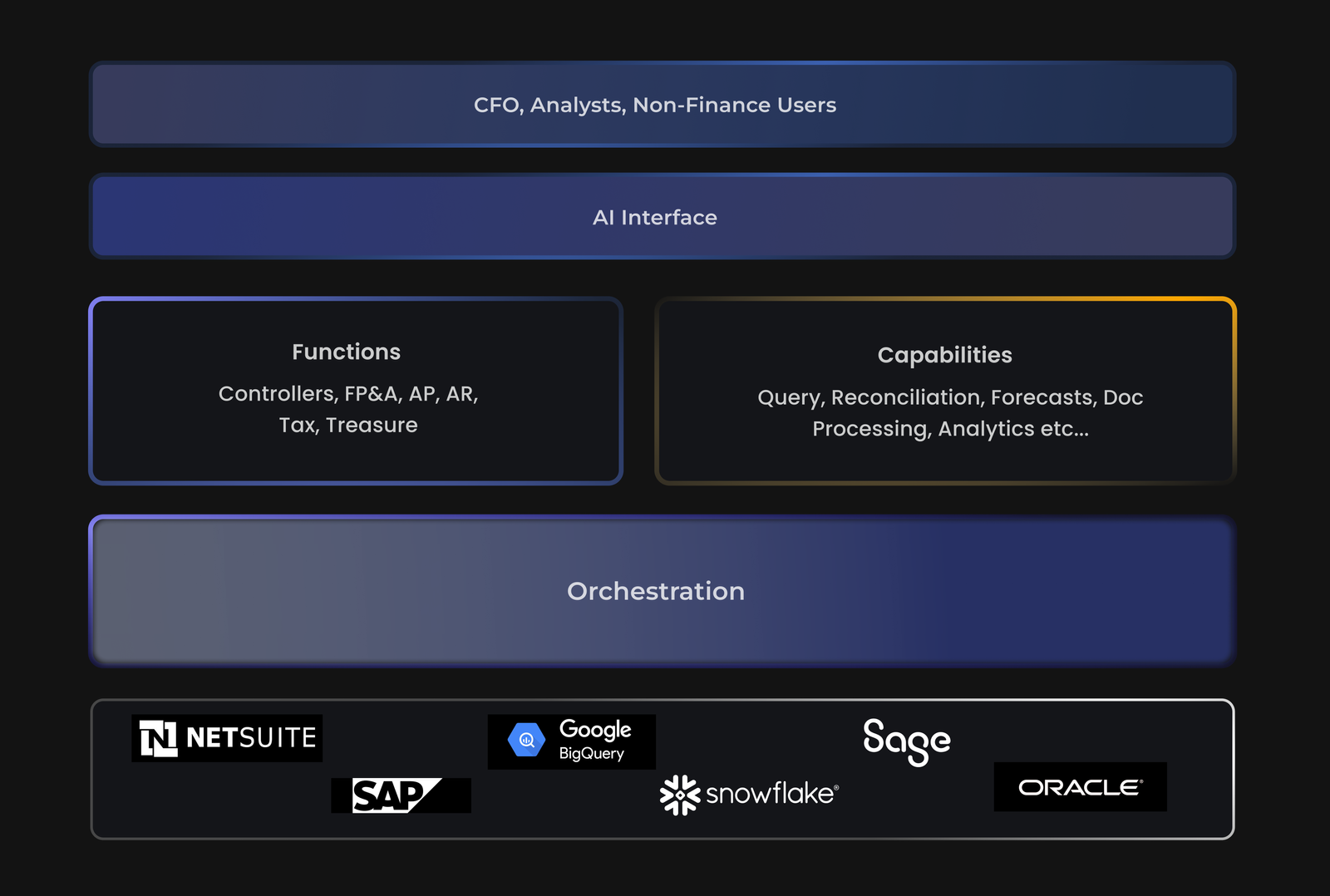
ChatFin connects to Dynamics 365 Finance through the interfaces Microsoft documents: OData data entities, the Data management package API for volume, and the Dynamics 365 ERP MCP server where a customer has enabled it. It reads the ledger and subledgers, drafts commentary and prepares entries, and a named person approves each entry before anything is written back.
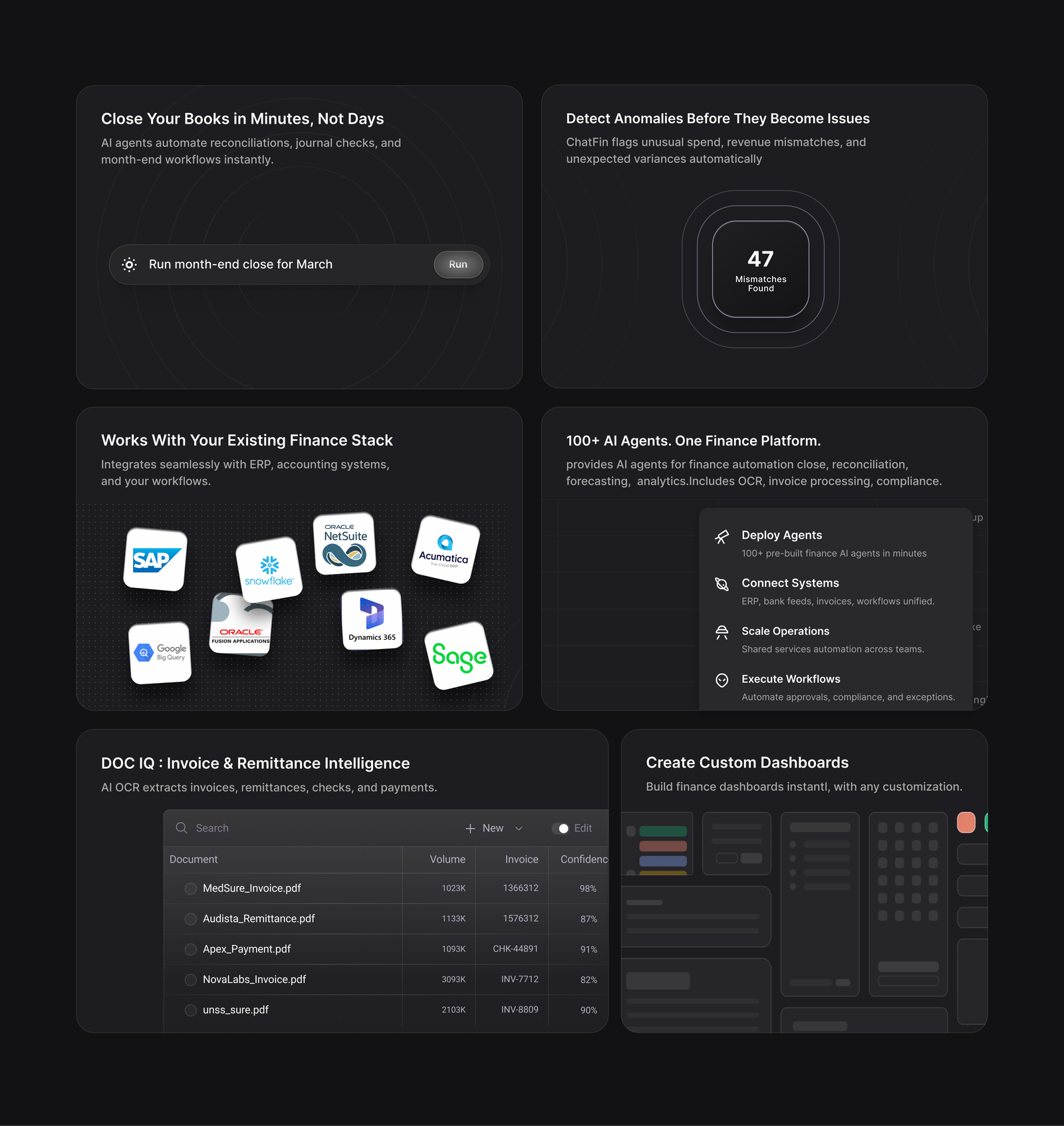
What that adds for D365 Finance users:
- Commentary tied to transactions: every variance explanation cites the Dynamics 365 vouchers behind it, so a reviewer can check each figure
- Multi-entity consolidation narrative: commentary across legal entities with the intercompany context Copilot does not produce
- Continuous close monitoring: ChatFin reads Dynamics 365 data through the period, not just at period end, and flags items before the close starts
- Board pack drafts: commentary for board packs and audit committee papers drafted from Dynamics 365 source data, for the controller to edit and sign
The split that follows is practical. Microsoft's agents take the defined exceptions they were built for, and ChatFin takes commentary and close preparation. The finance automation playbook for 2026 lists the workflows teams tend to automate first.
How to Roll Out AI Agents in Dynamics 365 Finance
Roll out in phases, so each one is tested before the next depends on it.
- Phase 1, Copilot: turn on Copilot in Finance (version 10.0.38 or later, with the Finance and Operations AI role in Dataverse) for a pilot group. Record how long the target tasks take today.
- Phase 2, Microsoft's agents: try the Account Reconciliation Agent preview on one ledger account and compare its matches with the person who reconciles that account now.
- Phase 3, the ERP MCP server: create a read only role for agent work, add the client on Allowed MCP clients, and test the questions your team asks most against reports you already trust.
- Phase 4, an outside layer: connect ChatFin or another agent layer, run one parallel close, and keep a named approver on every entry.
Each phase gives finance leaders a result to show before they ask for the next. For the workflows behind these agents, intelligent workflow orchestration principles apply directly to the D365 Finance context.
Questions finance teams ask
Does Microsoft Copilot for Finance require a separate license in Dynamics 365?
It depends which product you mean. Copilot in Dynamics 365 Finance is part of the Finance application and needs version 10.0.38 or later. The Finance agents in Excel and Outlook are a Microsoft 365 Copilot product, so confirm their licensing with Microsoft: Microsoft 365 Copilot launched at $30 per user per month in November 2023 and the packaging has changed since. Agents built in Copilot Studio, and ERP MCP server tool calls from other clients, consume Copilot Credits.
Is the PayFlow Agent a Microsoft product?
No. PayFlow Agent is sold by HSO, a Microsoft partner, which describes it as designed by HSO and powered by Microsoft technology to automate vendor payment communications. HSO announced it at Microsoft Build in May 2025. It is not in Microsoft's 2026 wave 1 release plan for Finance, and we found no source saying it posts payment journals without a person.
Can ChatFin connect to Dynamics 365 Finance on-premise deployments?
On premises, Microsoft supports one API for Finance and Operations, the Data management package REST API, according to its integration overview. The ERP MCP server needs a cloud environment at Tier 2 or above, so it is a cloud route. Any outside agent, ChatFin included, works through the package API on premises.
How does Copilot for Finance in Dynamics 365 compare to Copilot for Finance in Microsoft 365?
They are separate products. Copilot in Dynamics 365 Finance runs inside the Finance client on transaction data: collections summaries, chat with your data and the Account Reconciliation Agent preview. The Finance agents in Microsoft 365 work in Excel and Outlook, for example reconciling two data sets in Excel or drafting collection emails from Dynamics 365 Finance or SAP data.
Is there a Crowe lease accounting agent for Dynamics 365?
Microsoft's customer story from April 2026 describes Crowe building a lease audit AI agent on Azure, Copilot Studio and Power Apps for its own audit work. It does not describe an ASC 842 or IFRS 16 product on AppSource or one tied to the Finance lease module, and we found no such listing.
Where this leaves finance teams
AI in Dynamics 365 Finance and Operations in 2026 is a set of documented, dated pieces: Copilot summaries and chat, an Account Reconciliation Agent still in preview, Finance agents in Excel and Outlook, and an ERP MCP server that any allowed client can use under a user's own roles.
Microsoft covers summarising and a growing list of defined exceptions. Commentary, cross system work and close entries still need a person or a specialist layer such as ChatFin, with a named approver on every entry. The AI agents for Dynamics 365 Finance page shows how that works.
The MCP server is the piece to watch. Claude, Copilot Studio and outside agents now reach the same data through the same security roles, so the roles you give agent users decide what AI can do in your ledger.