
Claude MCP Finance Integration Guide 2026: Connect Claude to Your Financial Data
Model Context Protocol is the infrastructure layer that turns Claude from a chat assistant into an autonomous finance agent. This guide covers how MCP works, how to connect it to your ERP and financial data, and the results finance teams are seeing in production.
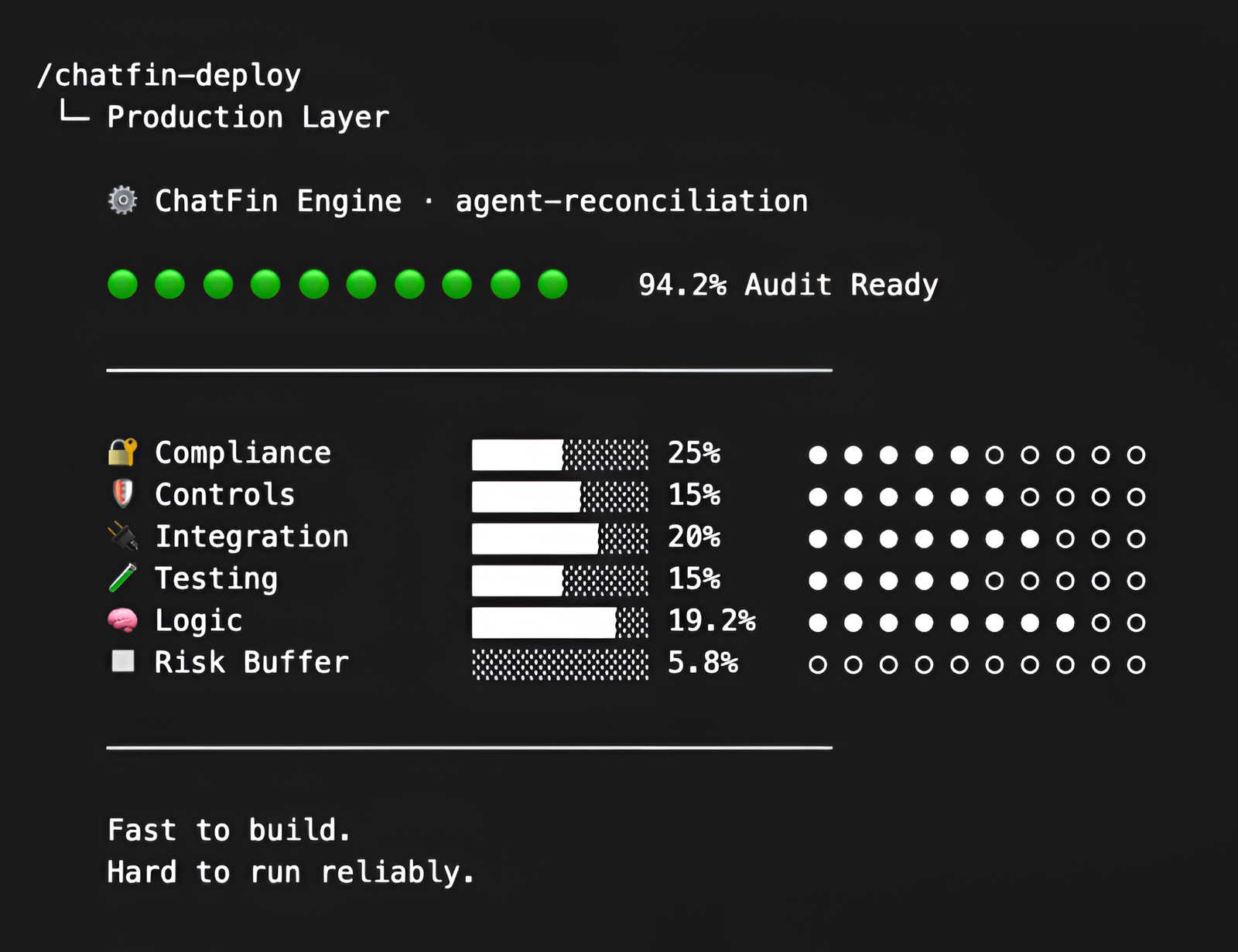
- Model Context Protocol (MCP), introduced by Anthropic in late 2024, is now the standard architecture for connecting Claude to live financial data sources including ERPs, market data providers, and financial platforms.
- Claude's remote MCP launch in March 2026 removed the local server requirement that previously slowed enterprise setup, making ERP connections a five-minute configuration rather than an IT project.
- Spendesk CFO Pauline Babell cut a four-hour monthly travel compliance workflow to 3 minutes 30 seconds using Claude with Spendesk MCP, producing a dynamic HTML dashboard with violation flags, cost centre breakdowns, and remediation drafts.
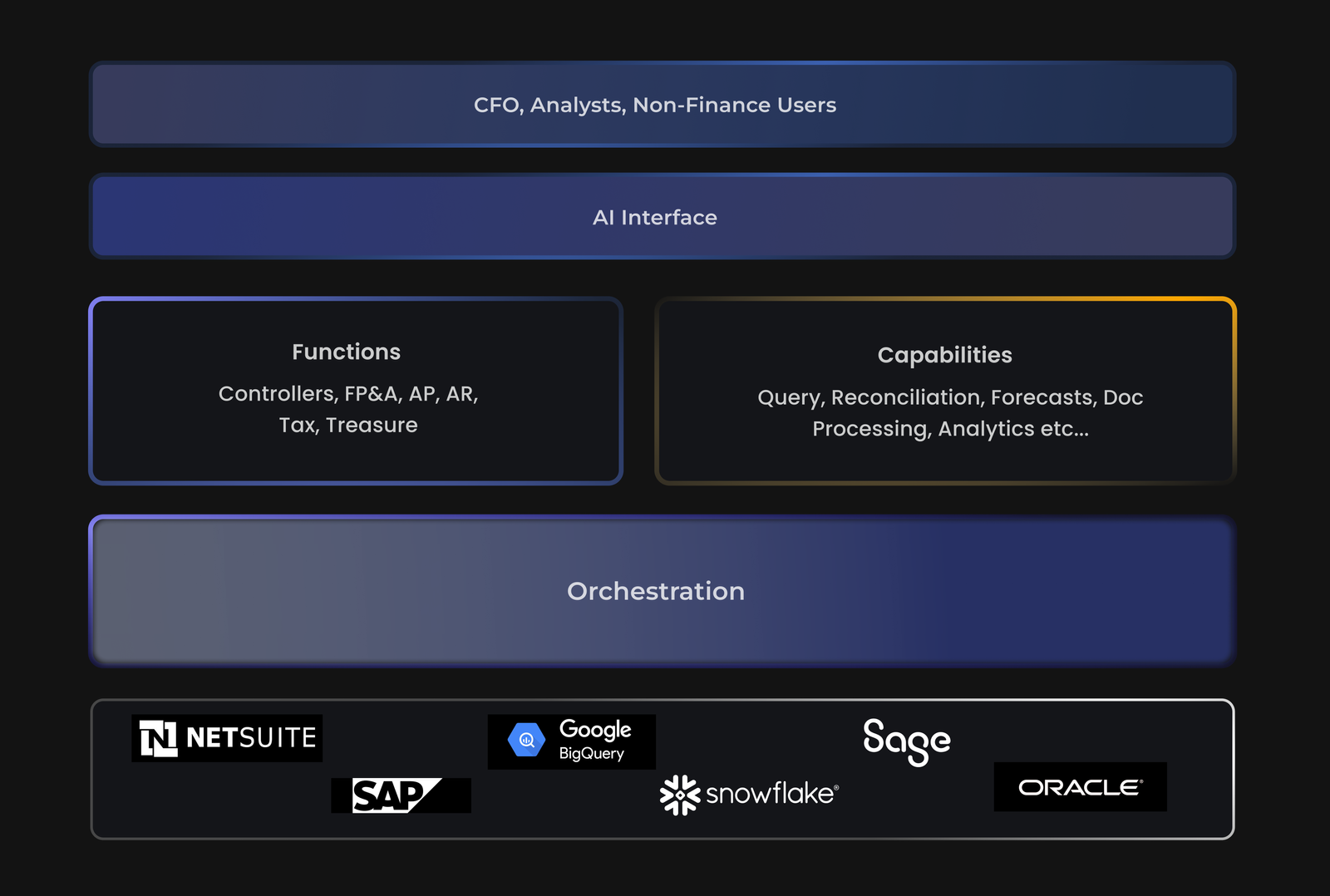
- ChatFin uses MCP to connect Claude to NetSuite, SAP Business One, Acumatica, JD Edwards, Dynamics 365, and Sage Intacct, giving finance teams live read and write access to GL, AP, AR, and bank data without replacing the ERP.
- The sequencing that works: consolidate your financial data first, then connect MCP, then query, then schedule, then scale.
Model Context Protocol is the reason AI in finance graduated from interesting demo to production infrastructure in 2026. Before MCP, connecting Claude to financial data required custom API integration code for every data source, every ERP field, every report format. MCP standardizes that connection layer the same way USB standardized peripheral connections.
The result is that finance teams can now connect Claude to their live ERP data without writing API wrappers, without building middleware, and without an IT project. The MCP server handles the data fetching. Claude handles the reasoning. Your finance team handles the decisions.
What MCP Actually Is and Why Finance Teams Should Care
Model Context Protocol is an open standard that provides a universal way for AI applications to connect to external data sources. Think of it as a standardized port: once a data source speaks MCP, any MCP-compatible AI agent can instantly understand how to query it, what tools it exposes, and how to act on the results.
For finance teams, MCP solves three specific problems that have blocked real AI adoption:
How MCP Finance Connections Are Set Up in 2026
Claude's remote MCP launch in March 2026 changed setup from a developer task to a configuration task. Before March 2026, running an MCP server required a locally hosted server process, which meant developer involvement for every ERP connection. Remote MCP means the MCP server runs in the cloud and Claude connects to it via an authenticated URL, eliminating the local infrastructure requirement entirely.
For most ERP connections via ChatFin, the setup flow follows three steps:
Access is the design decision
The value of a connection depends on what it is allowed to read, and that has to be decided per role.
All 35 of my teammates globally, they all have license to all those.
Chris Ortega, on the AgentCFO podcast
Define the data each role may reach through Claude, then set the connection up to match those limits.
Real Results: What Finance Teams Are Getting from MCP in 2026
Spendesk CFO Pauline Babell's example illustrates what MCP actually changes in a finance workflow. Her monthly travel compliance report previously required: exporting data from Spendesk, cross-referencing the company travel policy, building a pivot table, and formatting the output for leadership. Start to finish: approximately four hours, every month.
With Claude connected to Spendesk via MCP, the same workflow runs from a single prompt: "Generate travel policy compliance report, April 2026." Output time: 3 minutes and 30 seconds. The output is a dynamic HTML dashboard containing a policy compliance overview by payable type, a full flagged violations list with payable ID, date and amount, cost centre and employee-level breakdowns, suggested remediation actions already drafted, and month-on-month variance automatically calculated.
"You cannot connect what is not consolidated. MCP is not a shortcut around data consolidation. It is the reward for doing it." Pauline Babell, CFO, Spendesk
ChatFin is delivering comparable results across ERP-connected finance teams. The critical success factor Babell identified, and ChatFin has confirmed in every deployment: the quality of MCP output is limited by the quality of the underlying data structure. Finance teams that have clean, consolidated ERP data see immediate results. Teams with fragmented data need to consolidate first.
MCP Finance Connections by ERP Platform

The Three-Layer MCP Finance Architecture That Works
The finance teams getting the best results from Claude MCP in 2026 are using a consistent three-layer architecture. The finstory approach articulated this clearly: an MCP server connects Claude directly to the financial system, giving it live data that traces to the ledger. A Claude skill defines the workflow, telling Claude how to structure the task, what to analyze, and what format the output should take. And a prompt or scheduled trigger kicks the whole flow off at the right time with the right parameters.
ChatFin implements this architecture out of the box. The MCP server is ChatFin's ERP integration layer. The skills are ChatFin's pre-built finance agent workflows for AP automation, bank reconciliation, accrual management, and month-end close. The triggers are either natural language queries from your finance team or scheduled automation that runs overnight and delivers results by morning.
MCP + Claude + ChatFin: The Complete Finance AI Stack
Model Context Protocol is the infrastructure. Claude is the reasoning engine. ChatFin is the ERP integration layer that connects them to your actual financial data. Together they deliver the autonomous close, AP automation, and real-time financial intelligence that modern finance teams need without replacing the ERP your business already runs on.