
Claude Agent SDK for Finance Automation 2026: How It Works and What Changes
Anthropic separated the Claude Agent SDK from interactive subscriptions on June 15, 2026. Here is what that means for finance teams building automated workflows, how to set it up, and what ChatFin delivers on top of the Agent SDK architecture.
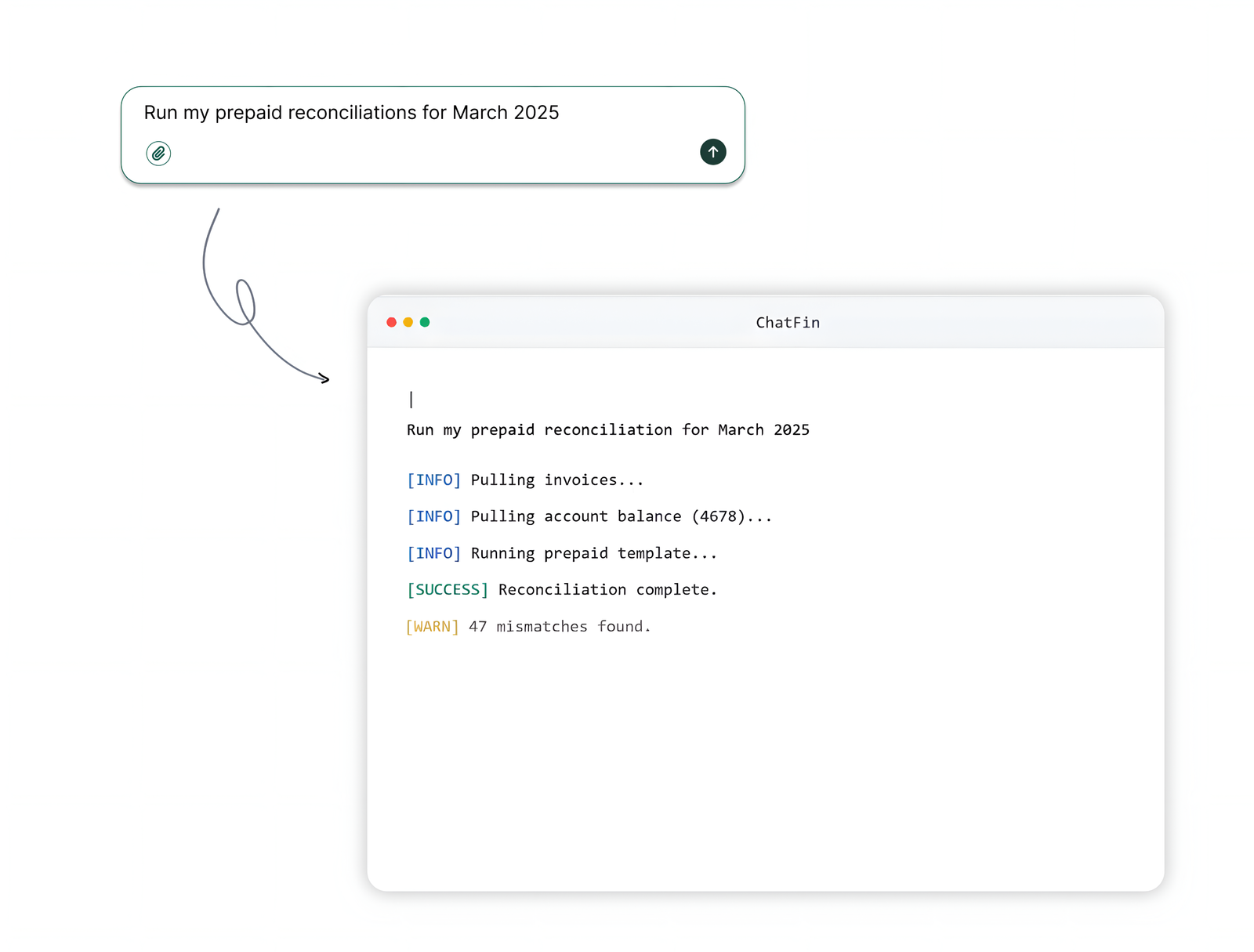
- Anthropic separated Claude Agent SDK usage from interactive subscription limits on June 15, 2026, creating dedicated monthly Agent SDK credits for Pro, Max, Team, and Enterprise plan users.
- The split targets programmatic automation: the Agent SDK, claude -p headless command, GitHub Actions integration, and third-party apps that authenticate through the SDK now draw from a separate credit pool.
- Finance teams running production ERP automation should use direct Anthropic API keys rather than subscription credits, giving predictable pay-as-you-go billing with full usage reporting.
- The Claude Agent SDK was renamed from claude-code-sdk: the npm package is now @anthropic-ai/claude-agent-sdk and the Python package is now claude-agent-sdk.
- ChatFin builds production finance automation on the Agent SDK architecture, running overnight AP processing, bank reconciliation, and close workflows without consuming interactive subscription limits.
Starting June 15, 2026, Anthropic drew a clear line between two ways of using Claude: interactive use by a human sitting at a keyboard, and programmatic use by automated agents running in the background. The Agent SDK billing change is not a price increase. It is a structural clarification that matters significantly for finance teams building automated workflows.
For finance teams that have been running monthly close automation, AP processing, or bank reconciliation through Claude, this change determines how those workflows are billed and how to architect them for reliable production operation at scale.
What Changed on June 15, 2026
Before June 15, 2026, the Claude Agent SDK, the claude -p headless command, and third-party apps running automated Claude workflows all drew from the same usage pool as interactive Claude sessions. A finance team running overnight AP processing was competing for the same limits as their team members asking Claude questions during the day.
After June 15, 2026, these usage pools are separated. Interactive use including Claude.ai conversations, Claude Code in the terminal and IDE, and Claude Cowork sessions continue to draw from your subscription's interactive limits. Automated use including the Agent SDK, claude -p, GitHub Actions, and third-party automation apps draw from a new dedicated Agent SDK credit that refreshes monthly with your billing cycle.
The Right Architecture for Production Finance Automation
Anthropic's own documentation is clear on this: the Agent SDK monthly credit is sized for individual experimentation and automation. Teams running shared production automation should use the Claude Platform with a direct API key for predictable pay-as-you-go billing. For a finance team running nightly AP processing across hundreds of invoices, overnight bank reconciliation across multiple entities, and scheduled close workflows that need reliable execution regardless of credit availability, the API key path is the right production architecture.
The setup is straightforward: set an ANTHROPIC_API_KEY environment variable in your automation environment. Claude Code and the Agent SDK then authenticate with that key and bill as standard pay-as-you-go API usage, separate from any subscription. You get full usage reporting, predictable cost per workflow run, and no risk of automation stopping mid-cycle because a monthly credit ran out.

The SDK Package Rename You Need to Handle
The June 2026 Agent SDK separation came with a package rename that affects any finance automation code using the previous Claude Code SDK packages. If your automation code references the old package names, update them before your next deployment cycle.
The underlying behavior of the SDK is unchanged. The rename reflects the broader architectural shift from a code-focused tool to a general-purpose agent execution framework. Finance automation workflows built on the old SDK will continue to work after updating the package references.
Finance Workflows That Belong on the Agent SDK
The Agent SDK is the right execution layer for any finance workflow that runs without a human in the loop at every step. The distinction Anthropic draws is between interactive use, where a person drives the conversation in real time, and programmatic use, where a script or scheduler drives the execution based on predefined triggers.
"While the office was empty, finance kept moving. 147 AP invoices coded at 22:04. Bank feed reconciled across 14 accounts at 23:31. Accrual proposals drafted at 01:17. Board pack regenerated by 06:02. Eight hours of work. Zero hours of yours."

How ChatFin Uses the Agent SDK Architecture
ChatFin builds production finance automation on the Agent SDK and direct API key architecture. The overnight workflows that ChatFin runs for finance teams, including AP invoice processing, bank reconciliation, accrual proposals, and close package generation, all run via the Agent SDK with API key authentication. This means they never compete with your team's interactive Claude usage, never stop because a monthly credit ran out, and never require manual intervention to restart after a billing cycle reset.
The architecture also means ChatFin can provide full cost visibility per workflow run. Finance teams know exactly what each automated workflow costs in API terms, which supports the internal ROI case for AI finance automation and provides the auditability that finance functions require from any system that touches financial data.
Production Finance Automation on Claude Agent SDK: ChatFin Is the Layer
The Agent SDK separation clarifies the architecture for serious finance automation. Interactive subscription for your team's daily Claude use. API key authentication for production workflows that need to run reliably at any time, at any scale. ChatFin is built on the production architecture and connects it to your ERP data through MCP, giving your finance team autonomous close, AP, and AR automation that runs every night without your team lifting a finger.