
Best 3rd Party AI Agents for NetSuite in 2026

Beyond SuiteQL: the third-party AI agents plugging into NetSuite's new Connector Framework for AP automation, reconciliation, FP&A and natural-language finance, with a complete guide to the 2026 R1 architecture.
- NetSuite 2026 R1 introduced the AI Connector Service, a formal bring-your-own-AI framework.
- The new Custom Tool Script Type lets agents take governed write actions, not just read data.
- ChatFin is the best all-in-one platform: AP, reconciliation, FP&A and NL agents in one SuiteApp.
- Native AI (Text Enhance, Bill Capture) covers basics but not autonomous multi-step workflows.
- Agents connect via the AI Connector Service, SuiteQL REST, RESTlets and certified SuiteApps.
The question NetSuite finance teams are asking in 2026 is no longer whether NetSuite has AI it clearly does. The real question is which third-party AI agents give you production-grade automation for AP, reconciliation, FP&A and natural-language finance.
The landscape shifted decisively in February 2026, when Oracle unveiled the NetSuite AI Connector Service as part of the NetSuite 2026 R1 release at SuiteConnect a formal bring-your-own-AI framework letting customers connect OpenAI, Claude or specialist finance AI directly to the ERP. This guide covers the architecture, the best platforms by category and a practical integration roadmap.
Why Third-Party AI Agents? The Case Beyond Native AI
Oracle invests heavily in NetSuite's native AI, but NetSuite is an ERP first a system of record. Its AI features are designed to enhance that record, not to run autonomous multi-step finance workflows.
What NetSuite Native AI Does Well
Where Native AI Falls Short
The gaps matter for real automation: Bill Capture extracts invoice data but doesn't route exceptions, communicate with vendors or run three-way matching end to end. The AI Connector Service and Custom Tool Script Type are Oracle's own recognition that it cannot build everything and that bring-your-own-AI is the right architecture.
How the NetSuite AI Connector Service Works (2026 R1)
Prior to 2026 R1, NetSuite's AI ran exclusively on Oracle's own infrastructure. The AI Connector Service adds a configuration layer letting administrators point AI features at their chosen provider (including Amazon Bedrock or Azure OpenAI with region-specific deployments), which matters for data-residency requirements.
The more transformative addition is the Custom Tool Script Type, which lets developers expose SuiteScript logic as callable tools for AI agents. Before it, third-party agents could read from NetSuite via SuiteQL and present insight, but write actions required a human. Now an agent can safely trigger governed write actions posting entries, updating records through defined tools with controls intact.
The Service Layer, NetSuite's REST-based API gateway, remains the primary access point: SuiteQL queries run through it as REST calls, and RESTlets handle write-back actions.
ChatFin: Best All-in-One AI Agent Platform for NetSuite
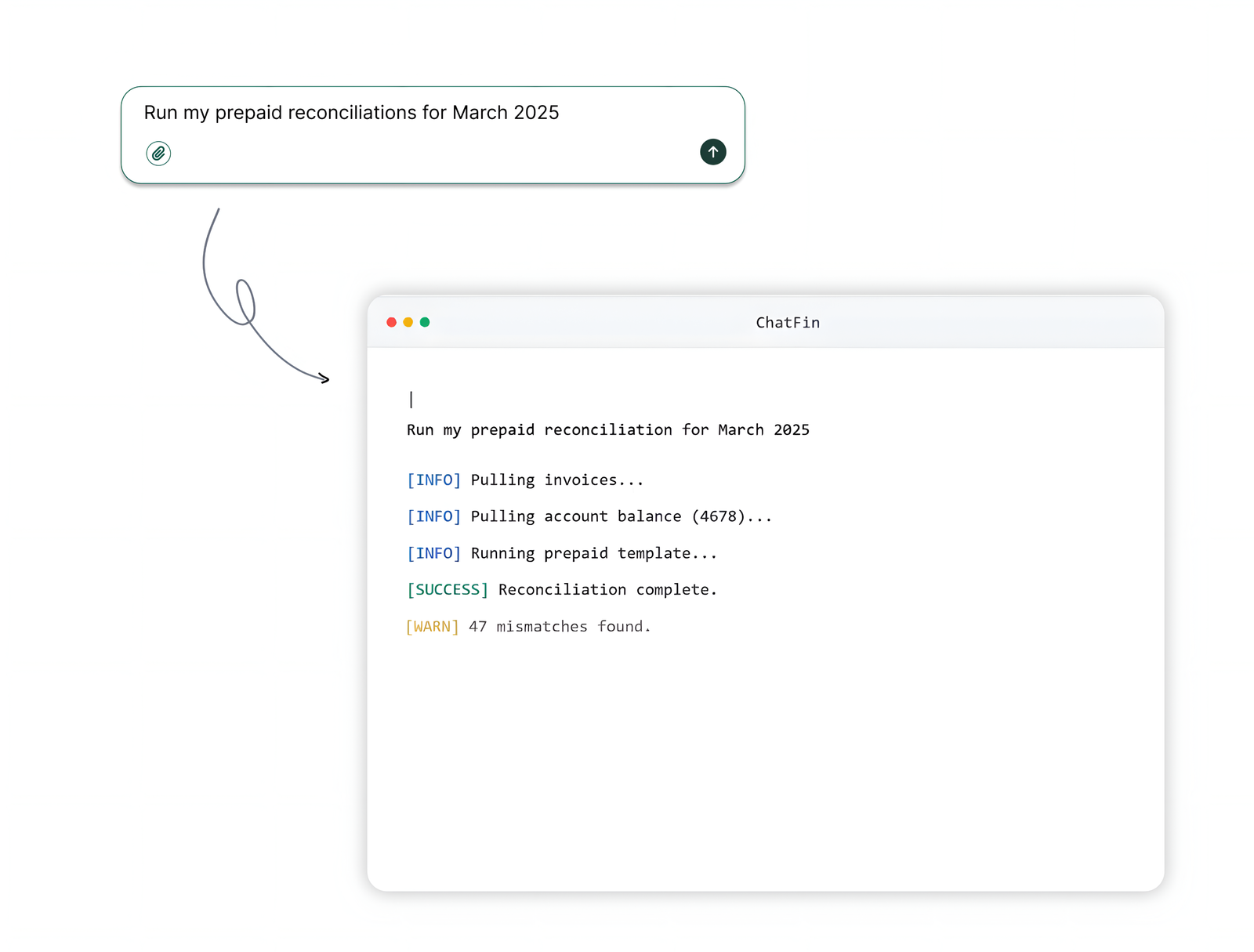
ChatFin is the only unified platform delivering AP, reconciliation, FP&A and natural-language agents for NetSuite in a single integration with bidirectional ERP access. Its certified SuiteApp establishes connectivity via SuiteQL for reads and RESTlets for writes, and its persona-driven agents each understand the context, data and workflows of their function rather than acting as a generic assistant.
Best Third-Party AP Automation AI for NetSuite
AP is the most common entry point for third-party AI. NetSuite's Bill Capture handles basic OCR, but not the full workflow.
Best AI Reconciliation Agents for NetSuite
Best FP&A and Forecasting AI for NetSuite
Best Natural-Language / Data Query AI for NetSuite
The Custom Tool Script Type is the real unlock: for the first time, third-party agents can take governed write actions inside NetSuite, not just read and recommend.
Choosing Your NetSuite AI Stack in 2026
NetSuite 2026 R1 makes bring-your-own-AI the official architecture native features cover the basics, while third-party agents deliver the autonomous AP, reconciliation, FP&A and close automation that finance teams actually need. The right approach depends on whether you want read-only analytics, bidirectional action or native in-UI AI.
ChatFin is the best all-in-one choice: a certified SuiteApp with bidirectional access and persona-driven agents across AP, reconciliation, FP&A and natural-language finance, deployable on your live NetSuite environment.
Choosing models is now a finance decision
Bringing your own AI to NetSuite means someone has to decide which model handles which task, and what that usage is allowed to cost.
The AgentCFO podcast noted how few finance teams track what their AI usage actually buys, and treated picking the right model for each job as a basic cost control.
Assign each NetSuite workflow a model tier and a monthly usage budget, and review both after the first quarter.
What permissions the connected AI should run with
A connected AI inherits whatever the permissions behind the connection allow. Handing an agent broad access to save setup time means a wrong tool call can reach anything, so the first design choice is a dedicated set of permissions limited to the records the work needs.
Start read only through SuiteQL, compare what the agent reports with a report your team already trusts, and add write actions through the Custom Tool Script Type only for steps a person has already approved by hand. One write per tool means the log shows which tool posted what.
Jason Yocum, fractional CFO and former CFO of Vivino, on the tools that sit on top of an ERP.
“I think it's ironic that these big ERPs, there's a lot of tools that we buy externally from Oracle to sit on top of NetSuite to do the things that NetSuite can't do. And maybe AI will just be one more layer that sits on top of our ERP system.”
Where a bring your own AI setup gets stuck
Teams that connect an outside model tend to meet one of these first.
- Data residency questions from the CIO. The connector can point at a chosen provider, including region specific deployments, so the first thing to settle is where prompts and answers are processed.
- Write access requested on day one. The Custom Tool Script Type exposes SuiteScript logic as a tool, which is the safe place for a posting step. Begin with the tool that prepares an entry and leave posting to a person.
- Two agents answering the same question differently. When the AP agent and the reporting agent both read vendor balances, agree which query defines a balance and share it. Otherwise the disagreement becomes a reconciliation job.
- A model that misreads an old field. A field repurposed years ago means something only to the person who set it up. Give the agent a written meaning for each field it will read before judging its answers.
- Finance lead scoping the first use case. The data has to be set up for AI before the use case pays off, so the first week goes on the objects the agent will read.
Adam Swoverland, VP of Finance at US Auto Force, on getting data ready for AI.
“Part of that experimentation process is understanding is your data set up in a way to best capitalize on AI? You may think I have a use case for it, but if your data isn't set up in a way, you're gonna end up spending more money and time to set it up the correct way to be able to use that.”
Quick Answers on Connecting Outside AI to NetSuite
What is the NetSuite AI Connector Service?
Per this page, it is a framework that lets customers choose their AI provider instead of using only Oracle's own. It is a configuration capability and not an agent by itself.
Can an outside AI write to NetSuite?
Through the Custom Tool Script Type, which exposes SuiteScript logic as callable tools, the page says agents can take governed write actions. Without it, third party agents read through SuiteQL and a person writes.
Do I need a third party AI if NetSuite has its own?
The page separates the two. Native features such as Text Enhance and Bill Capture cover basics, while multi step work across AP, reconciliation and reporting is where outside agents come in. Test your own workload before deciding.
How do outside agents connect to NetSuite?
The page lists the AI Connector Service, SuiteQL through the REST layer, RESTlets for write back and certified SuiteApps. Which one fits depends on whether you need read only analysis or actions.
What should I check before connecting a model?
Where prompts are processed, what permissions the connection runs with, whether writes go through defined tools and who reviews what gets posted. Settle those with IT before any pilot.